You have five to twenty units and a day job. You are getting texts at midnight and chasing checks. Things slip. You need simple systems you will actually use.
Build a simple system you will actually use
Pick tools you already know. Keep them light. A shared drive, a few spreadsheets, and a calendar can carry you far.
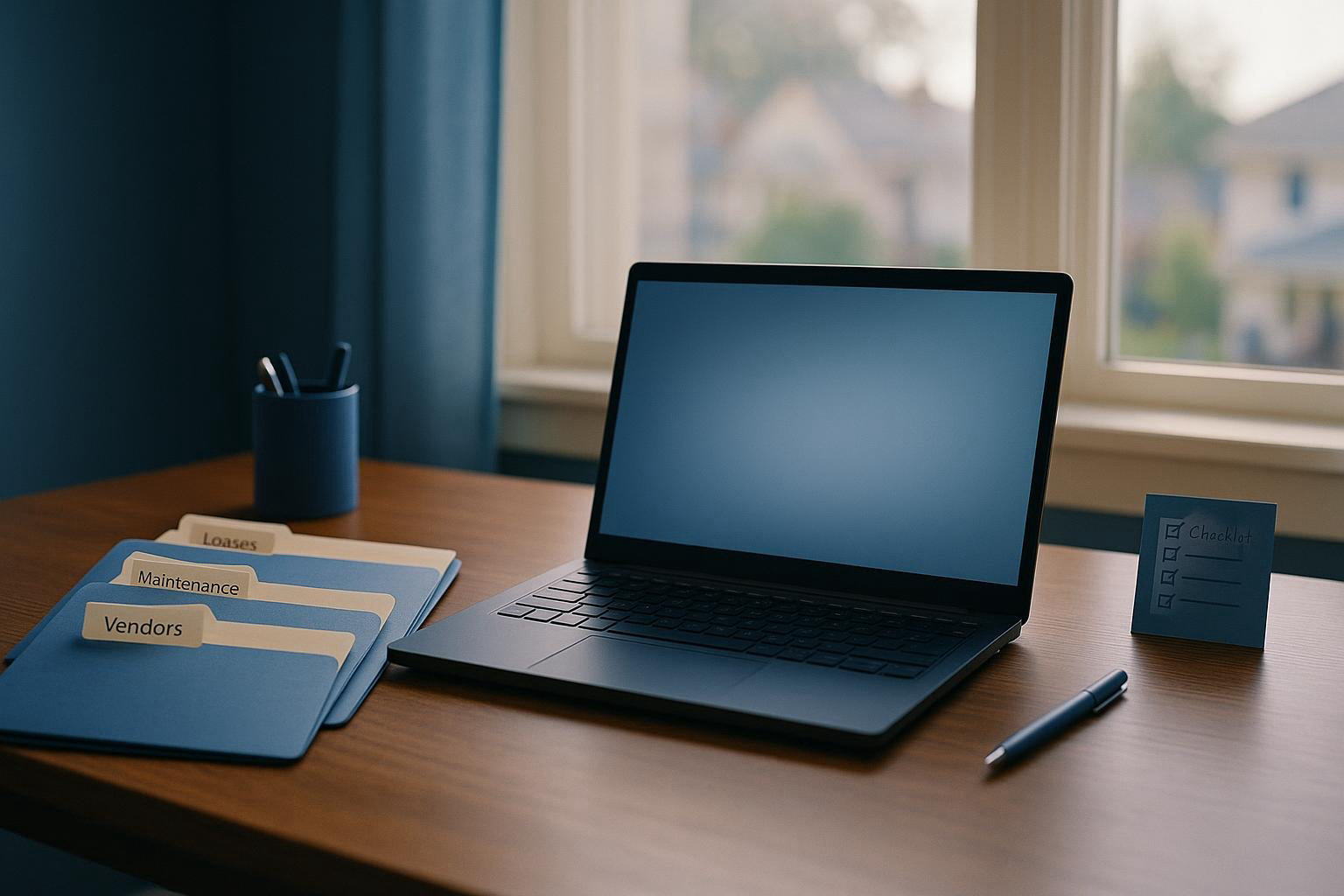
Your folder tree
Create one main folder in your cloud drive. Inside it, add these:
- 01 Admin
- Insurance
- Licenses and registrations
- Bank and loan docs
- Policies and templates
- 02 Properties
- PropertyName_Unit001
- Leases
- Move-in / Move-out
- Inspections
- Photos
- Maintenance
- PropertyName_Unit002 ...
- 03 Residents
- 04 Vendors
- W-9 and insurance
- Contracts and rates
- 05 Finance
- Receipts
- Invoices
- Year-end
Name files the same way every time. Example: 2026-03-01_Unit101_Lease.pdf.
Core spreadsheets you need
One workbook with separate tabs works well. Use these tabs and columns:
- Units
- Property
- Unit
- Beds/Baths/Sq Ft
- Parking/Storage
- Rent
- Deposit
- Status (Vacant/Occupied/Notice)
- Notes
- Residents
- Name(s)
- Unit
- Phone
- Email
- Move-in date
- Lease end
- Pets
- Vehicles
- Emergency contact
- Leases
- Unit
- Resident
- Rent
- Deposit held
- Start date
- End date
- Renewal terms
- Notices sent
- Maintenance log
- Date opened
- Unit
- Issue
- Priority
- Assigned to
- Cost estimate
- Status
- Date closed
- Vendors
- Company
- Contact
- Trade
- Rates
- After-hours number
- License/Insurance exp
- W-9 on file (Y/N)
Update these on the same day each week. Fifteen minutes is enough if you keep up.
Rent collection that runs even when you are busy
Stop chasing paper. Keep rules simple and the process clear.
- Pick one way to pay. If you accept online payments, make that your standard. If you must take checks, give a single mailing address and lockbox.
- Set due dates and late policy. Laws on grace periods and late fees vary by state and city. Check local rules or a qualified professional before you set fees or send notices.
- Automate reminders. Send a reminder 5 days before due, on due day, and the day after if unpaid.
- Use clear templates. Example subjects: “Rent due on the 1st,” “Past due reminder,” “Next steps on your balance.” Keep them short and consistent.
- Reconcile monthly. Make a simple list of each unit, amount due, amount paid, date paid, and method. Note any balance and your next step.
- Have an escalation path. Day 3 past due: second reminder. Day 7: call. After that, send the next legal notice required in your area. Follow local law for notices and fees.
If you want online payments with autopay and reminders, HelloNido can help. Residents can pay by card or bank transfer, see the convenience fee before paying, and set autopay. You get the full rent to your own Stripe account and bank. Plans for landlords start at $15 per month with a 14-day free trial. See details at /pricing.
For a full walkthrough on moving rent collection online, see How to Collect Rent Online as a Small Landlord.
Keep communications clean and fast
Pick one channel for official messages. Email or a portal works. Texts drift and get lost.
- Set office hours. Tell residents when you respond. Example: Monday to Friday, 9 to 5. Emergencies anytime.
- Define emergencies. Water leaking, no heat in winter, active electrical hazard, gas smell, or unsafe entry. Everything else is standard.
- Post your response times. Emergencies: immediate. Urgent: 24 hours. Routine: 72 hours.
- Use message templates. Welcome, payment instructions, maintenance scheduling, entry notice, renewal offer.
- Log everything. Save messages to the unit or resident file. Note date, topic, and outcome.
- Group notices. Use a building-wide message for hallway work, snow plans, pest control, and service outages.
A simple portal like HelloNido gives you message threads with residents and maintenance requests in one place. That keeps history tied to the unit. It also cuts down on lost texts and scattered emails.
Maintenance without chaos
Most stress comes from unclear intake and slow dispatch. Fix that with a simple flow.
How issues come in
- Use one intake path. A form, an email, or a portal request. Require photos or video when possible.
- Collect key details. Unit, access info, pet info, best times, and permission to enter if they are not home. Save it to the maintenance folder for that unit.
How you triage
- Emergency: Active leak, no heat in freezing weather, gas, electrical hazard, lock failure. Dispatch now.
- Urgent: Clogged main drain, fridge failure, broken window. Schedule within 24 hours.
- Routine: Dripping faucet, closet door off track, minor appliance issue. Schedule within 3 business days.
Work order template
- WO number
- Date opened
- Unit
- Issue summary + photos
- Priority
- Assigned vendor
- Approved spend limit
- Resident contact and access
- Status notes
- Date closed and cost
Follow-up
- Confirm completion with the resident. Two questions: Is it fixed. Is there anything else we should know.
- Save the invoice. Name it: 2026-04-12_Unit204_Drain_Clear_$185.pdf.
- Update your maintenance log. Note cost and cause. Repeat issues show up fast when you track cause.
Entry notice rules vary by state and city. Before you enter, check your lease, your local law, and send proper notice.
Turns that do not eat your month
Good turns start 30 to 60 days before move-out.
- Notice received: Send move-out instructions. Cleaning list. Utility transfer steps. Key return rules. Final walk-through date options.
- Two weeks out: Pre-inspection. Note repairs and charges that may apply. Rules on deposits vary. Check local law before you state charges or timelines.
- One week out: Schedule lock change or rekey, paint touch-up, cleaning, carpet or floor work, and any vendor you know you will need.
- Move-out day: Collect keys, fobs, and parking passes. Take time-stamped photos. Read meters if needed.
- Day 1 to 3: Make-ready. Standardize paint and finish choices. Keep a turn kit on hand. Common items: smoke detectors, outlet covers, faucet aerators, P-traps, bulbs, filters, caulk, blinds.
- Day 4 to 7: Final clean and quality check. Test every outlet, light, faucet, stopper, and appliance. Check windows and locks.
Send the deposit disposition within the timeline required where the property is. Include receipts and a clear itemized list as needed by local law.
Inspections and preventive care
Inspections reduce surprises. Keep them short and routine.
- Move-in checklist. Note condition with photos. Have the resident add notes within a set window. Keep a signed copy in the unit file.
- Seasonal checks. Spring: gutters, grading, exterior caulk, AC filter and test. Fall: heat test, filters, gutters, hose bib covers, smoke/CO test.
- Annual safety check. Smoke and CO detectors, GFCIs, handrails, trip hazards, dryer vents, water heater TPR discharge, shutoff valves.
- Filter schedule. Deliver or mail filters if you expect residents to swap them. Track dates.
- Exterior walk. Look for water, pests, peeling paint, and trip hazards. Note and schedule fixes.
Entry and notice rules vary. Check local law and your lease before you schedule preventive visits.
Money and paperwork basics
Keep it simple and current. Close each month.
- Monthly close checklist
- Reconcile rent received vs. rent due
- Record operating expenses with receipts
- Log mileage and trips
- Update reserve balance goals
- Note any vendor bills to pay
- Categories that work for small portfolios
- Income: Rent, pet fees, parking, laundry
- Expenses: Repairs, turnover, supplies, utilities, lawn/snow, pest, insurance, taxes, mortgage interest, HOA dues
- Year-end prep
- Collect W-9s for vendors
- Issue 1099s if required
- Organize receipts by property and month
- Export your rent and maintenance logs
Tax rules vary. Get local advice from a qualified professional if you are unsure.
Your calendar and reminders
Live by your calendar. Set it once and let it work for you.
- Recurring events by unit: rent due, late follow-up, filter swaps, seasonal checks, lease renewal review at 90 and 60 days out.
- Property events: gutter cleaning, pest service, furnace service, backflow tests, fire inspections.
- Admin events: license renewals, insurance renewals, bank statement reconciliation.
- Block time. Example: Tuesday and Thursday 7 to 8 a.m. for admin. Saturday 9 to 11 a.m. for field work.
Vendor bench you can call at 10 p.m.
You do not need a huge list. You need a dependable one.
- At least two in each trade: plumbing, electrical, HVAC, general handyman, locksmith, appliance, cleaning, flooring, pest.
- Collect W-9 and proof of insurance. Save to the vendor folder. Track expiration dates.
- Agree on rates and after-hours fees in writing. Save them.
- Share your emergency definition. Tell them what you authorize after-hours without a call. Example: up to $250 to stop a leak.
- Give clear access instructions. Lockboxes, alarm codes, parking rules, and pet notes. Keep a log of keys and codes.
Metrics that tell you if you are on track
Track a few numbers each month. You will spot problems early.
- Occupancy: occupied units divided by total units.
- Days vacant per turn: days from move-out to move-in.
- Delinquency rate: total unpaid rent divided by total rent due.
- Average maintenance ticket age: in days.
- Maintenance cost per unit per month.
- Turn cost per unit.
- Monthly cash flow per property.
- Reserve balance vs. goal.
Put these on one page. Update on the first business day each month.
A 90-minute setup you can do today
Block 90 minutes. Do this in order.
- Create the folder tree in your cloud drive.
- Make the workbook with Units, Residents, Leases, Maintenance, Vendors tabs.
- Fill in Units and Residents from your current records.
- Scan and file your current leases under each unit. Use the naming rule.
- Enter your active work orders in the Maintenance log. Mark priority and next step.
- List your current vendors. Note missing W-9 or insurance.
- Create five message templates: welcome, payment instructions, maintenance received, entry notice, rent reminder.
- Write your rent collection policy in one page. Due date, how to pay, when reminders go out, and what happens next. Check it against local law before you send it.
- Set calendar reminders: rent cycle, renewals, seasonal checks, license renewals.
- Make your turn kit list. Order what you are always short on.
- Post your emergency definition and after-hours steps where you can see it.
- Tell residents the new contact channel and office hours. Send the welcome and payment templates.
When to upgrade or outsource
Watch for bottlenecks. Fix the system first. Then add tools or help.
- You miss calls and messages. Set office hours and use one channel. Add a voicemail that spells out next steps.
- Rent is late often. Tighten reminders. Offer online payments and autopay.
- Turns run long. Pre-schedule vendors. Standardize finishes. Keep a turn kit.
- Maintenance piles up. Use the intake form and triage. Limit DIY. Dispatch faster.
- Paperwork lags. Block a weekly admin hour. Use a simple checklist.
If software will save you time, try it. HelloNido has online rent, reminders, resident autopay, maintenance requests, and message history in one place. It runs in any browser and does not hold your rent money.
Resident onboarding pack
Set the tone on day one. A clear pack cuts questions in half.
- Welcome letter. Office hours. How to reach you. What is an emergency.
- How to pay rent. Due date. Where to see charges and receipts if you use a portal. Late process in plain language. Check local law for fees and grace rules.
- Maintenance. How to submit requests. Photos help. Access rules. Pets.
- Utilities. Who pays what. Account setup steps.
- Trash and recycling. Days and rules.
- Parking. Spots, permits, towing rules.
- Quiet hours and common areas if any.
- Move-in checklist and deadline to return it.
- Renter responsibilities from the lease. Keep it short and clear.
Screening, deposits, and notices
Be consistent and fair. Use written criteria and apply them the same way to every applicant. Laws on screening, deposits, notices, and evictions vary by state and city. Check local rules or a qualified professional before you act.
Keep your system boring
Boring is good. You want the same steps every time.
- One folder tree. One set of spreadsheets.
- One rent process. One communication channel.
- One maintenance flow with clear priorities.
- One calendar with recurring tasks.
- One vendor list with current docs.
Summary: what to do next
Set up the folder tree and the five spreadsheets. Write your rent and maintenance policies in one page each. Pick one communication channel and share it with residents. Set calendar reminders for rent, renewals, and seasonal checks. Start logging maintenance with photos and close-out dates. If you want online rent, autopay, reminders, and simple resident messaging, try HelloNido. It fits small portfolios and keeps key work in one place.