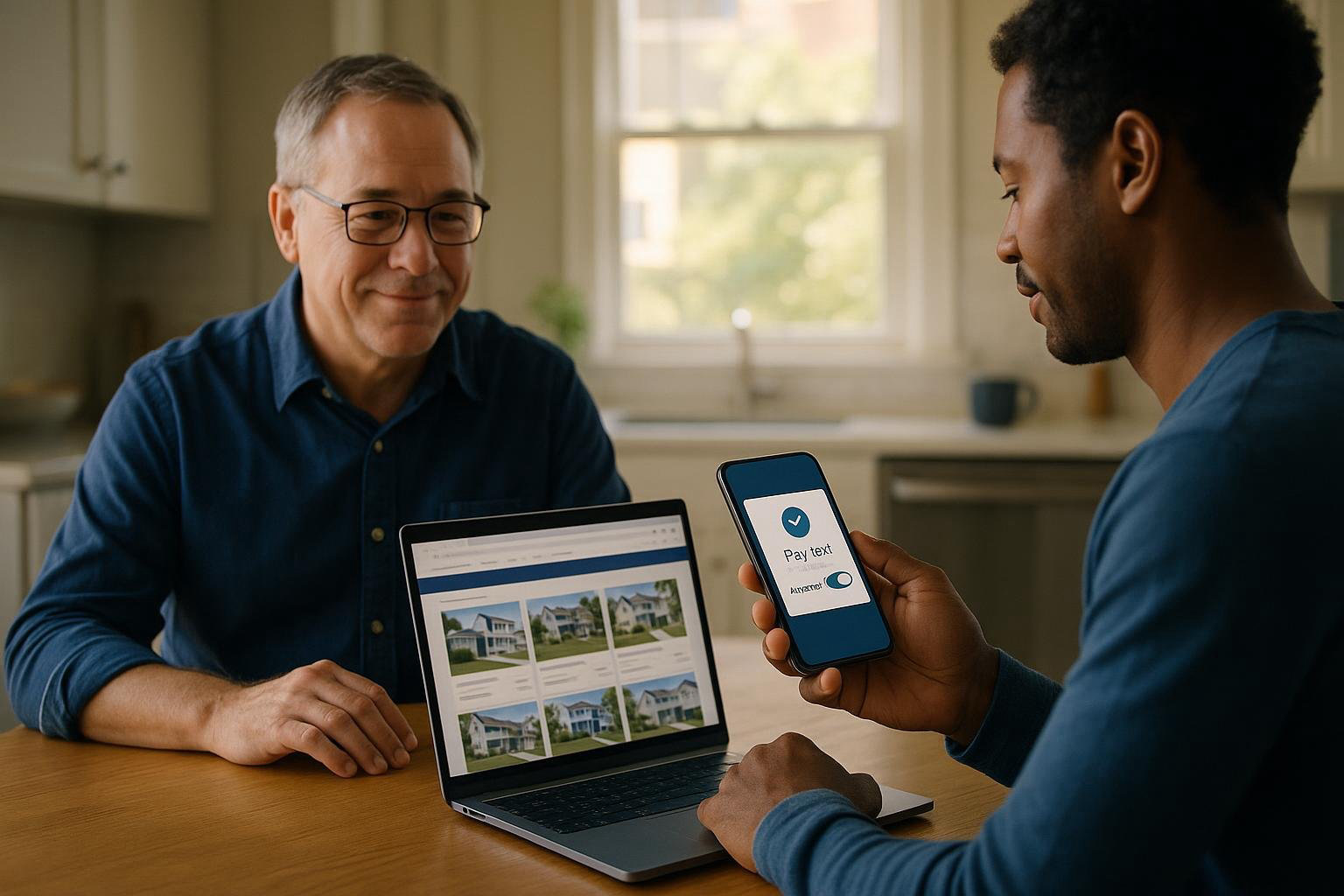
You are tired of chasing checks and reminders. You want rent online, paid on time, with less back and forth.
Choose how you will take rent online
You have a few workable paths. Pick one and keep it simple.
Bank transfer through a rent platform
- Pros: Lower resident fees than cards in many cases. Money goes to your bank. Good tracking.
- Cons: Transfers can take a couple of business days. Residents need to link a bank.
Card payments through a rent platform
- Pros: Fast to set up. Residents know how to use cards. Autopay works well.
- Cons: Convenience fees are higher for residents. Card payments can be disputed.
Person-to-person payment apps
- Pros: Many residents already use them. Instant notifications.
- Cons: Hard to track by unit. Business use may not be allowed on personal accounts. Easy to mis-send. Limited controls.
Cash and money orders as a backup
- Pros: Works for residents without bank or card.
- Cons: You must collect, receipt, and deposit. Higher risk and more time. Use only when needed.
For most small landlords, a rent platform that supports bank transfer and cards is the cleanest setup. It gives you autopay, reminders, and a clear ledger.
Set your rules before you launch
Write them down. Keep them short. Share them with every resident. Laws on due dates, late fees, and notices vary by state and city. Check local law or a qualified professional before you change policies.
- Due date and grace period. Example: Due on the 1st. Late on the 5th at 11:59 pm.
- Late fee policy. Flat fee or percent. When applied. Follow local law.
- Partial payments. Will you accept them after rent is late. If you do, how will you handle balances.
- Payment methods you accept. Online preferred. Cash or money order by exception only, with a fee if allowed by law.
- Receipts. How residents get proof of payment.
- Communication channel. Where payment questions go and how fast you reply.
Use a tool made for rent, not a personal app. You want automatic charges from leases, reminders, messages, and an export of your data. If you use HelloNido, residents can pay online by card or bank transfer, set up autopay, and you get automatic monthly rent charges and payment reminders. Payments run through your own Stripe account to your bank. Residents see a convenience fee before paying. You receive the full rent.
- Create your account and connect your bank or Stripe as required.
- Add your properties and units. Add each resident with email and phone.
- Set up leases with monthly rent amounts and due dates.
- Turn on reminders and autopay options.
- Export a test report so you know where records live.
- Review your plan and fees. Keep it within your door count. See pricing if you need to compare plans.
Plan your switch from checks to online
Give residents a clear timeline. Two weeks’ notice is fine. Thirty days is easier.
- Pick a start month. Example: Online rent starts next month.
- Announce it in writing. Post a notice and send a message.
- Offer simple help. A 10-minute window in the lobby or a quick call.
- Decide what to do with the last round of checks. Accept them this month if already mailed. Cut off after the start date.
Sample message to residents
Hi [Name], starting with your [Month] rent, please pay online using our portal. It is faster and gives you receipts. You can pay by bank transfer or card and set up autopay. If you need help setting up, call or text me by [Date]. Thank you, [Your Name].
Onboard your residents
- Invite each resident by email and text. Include due date, rent amount, and the link to the portal.
- Explain autopay. It prevents missed rent. Show how to turn it on.
- Be clear about any convenience fees residents will see before they pay. For example, in HelloNido the resident sees 3.5 percent for cards, or $6 plus 0.25 percent for bank transfer. You receive the full rent amount either way.
- Give a deadline to complete setup. Example: Please create your account by the 25th.
- Offer a quick check. Ask them to log in and confirm their lease and balance.
Set up charges, autopay, and reminders
- Create monthly rent charges from each lease so they post automatically.
- Turn on payment reminders 3 to 5 days before due date, and on due date.
- Encourage autopay. It raises on-time payments.
- For move-ins, set the first month’s prorate and deposit in advance. Follow local law on deposits.
- For renewals, update the lease amount well before the next charge.
Handle edge cases without chaos
Failed or returned payments
- Notify the resident right away. Ask them to update payment method.
- Reapply your late fee policy as allowed by law.
- Do not accept cash unless you must. If you do, give a written receipt.
Partial payments
- Decide if you will accept them once late. Many landlords do not.
- If you allow them, record the balance the same day and give a written date for the rest.
- Be careful with notices. Check local law before you accept a partial payment during an enforcement period.
Roommates and split payments
- Make the lease clear. One total rent due for the unit.
- If roommates pay separately, track who paid what. Do not mark rent paid in full until the total hits.
Residents without bank or card
- Offer money orders as the exception. Meet in a safe place. Count and receipt on the spot. Deposit the same day.
- Keep a paper trail. Photo the money order and receipt. Add it to the resident’s file.
Keep a clean paper trail
- Use your platform’s ledger as your source of truth.
- After bank deposits, reconcile amounts to charges and fees.
- Confirm payments in writing. A quick message that says Paid on [Date], Amount [$$$], Balance [$$$] is enough.
- Back up your data. Export monthly and store it safely.
- If you use separate bookkeeping software, record rent income by property and unit. Match to deposits.
Use reminders and messages to cut excuses
- Send a friendly nudge 3 to 5 days before due date.
- On the due date, send one more short note.
- The day after late, send a clear message. State the balance, late fee if allowed, and what to do next.
Message templates you can copy
Upcoming rent: Hi [Name], your rent of [$Amount] is due on [Date]. You can pay online here: [Portal Link]. Reply if you need help.
Due today: Hi [Name], rent of [$Amount] is due today. Please pay online here: [Portal Link]. Thank you.
Late notice: Hi [Name], your rent of [$Amount] was due on [Date]. Your current balance is [$Amount], including any allowed fees. Please pay online here: [Portal Link]. If you have questions, reply today.
Stop taking checks in a clean way
- Announce the end date for checks at least 30 days ahead.
- Keep accepting them until that date. Deposit daily.
- After the cutoff, return new checks with a written note and a link to your portal.
- Make one exception only for an elderly or unbanked resident. Log it.
Monitor and improve each month
- On-time rate. Count how many pay by the due date. Aim to raise it.
- Autopay adoption. Ask late payers to turn it on.
- Support volume. Note common questions. Update your instructions.
- Average days to funds. Set expectations with yourself and your bank.
Common pitfalls to avoid
- Too many options. Offer one portal. Do not juggle three apps.
- No written policy. Put rules in writing and use the same words every time.
- Letting partials drag on. Set a balance due date in writing.
- Poor records. Reconcile monthly. Export your data.
- Legal missteps. Late fees, notices, and payment rules vary. Check local law or a qualified professional.
Quick checklist to go live
- Pick your platform. Connect your bank or Stripe. Test a $1 charge if possible.
- Enter properties, units, residents, and leases.
- Turn on automatic monthly rent charges and reminders.
- Write and send your announcement. Include the start date and portal link.
- Invite residents. Offer help. Push autopay.
- Set your policy on late fees and partials after checking local rules.
- Reconcile the first month and fix any setup gaps fast.
What to do next
Pick a date. Set your rules. Turn on online rent and stick to it. If you want a simple setup that pays to your own Stripe account and keeps residents in one portal for rent, messages, and maintenance, try HelloNido. You can compare plans and start a free trial on the landlords page or on pricing. If residents want to read how it works, send them to residents. For more how-tos, see the academy.